

Best Photocopier machine Options: Key Features and Top Guide
Choosing the best photocopier depends primarily on how well its monthly duty cycle aligns with your company's actual workload, avoiding frequent breakdowns and ongoing maintenance costs. To achieve maximum efficiency and the lowest cost per page, several key criteria must be considered, including print speed per minute, availability of spare parts and ink supplies, scanner resolution, and modern connectivity features such as cloud and network printing. East Automation helps you select the right printing solutions for your business needs, ensuring operational efficiency and improved productivity.
How do you choose the most suitable photocopier for your needs?
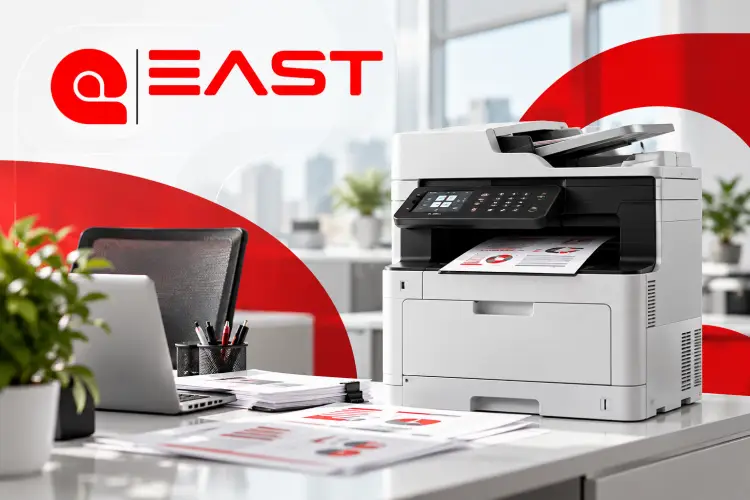
Investing in the best document copier is a strategic decision that directly impacts productivity and operating costs. To ensure you choose the right machine for your organization and achieve optimal performance with minimal maintenance costs, there are three key criteria to consider:
Monthly workload (Duty Cycle)
The monthly duty cycle refers to the maximum number of pages that a photocopier can print per month according to the manufacturer's specifications.
-
Startups and small offices: They usually need machines that suit a printing rate of between 2,000 and 5,000 pages per month.
-
Medium and large companies: need machines with high operating capacity (Heavy Duty), capable of printing rates ranging from 20,000 to over 100,000 pages per month, depending on the workload.
-
Important tip: Choosing a printer with a print speed lower than your actual needs can lead to increased wear and tear on its components, more frequent breakdowns, and higher maintenance costs. Conversely, purchasing a printer with a much higher print speed than you require can increase the initial cost without any real benefit.
Total operating cost (prices of inks and spare parts)
The price of the best document copier is not limited to the purchase cost only, but also includes operating and maintenance expenses throughout the life of the device, which is known as the Total Cost of Ownership (TCO).
-
Ink prices and availability: Check the ink cartridge's yield and the number of pages it can print, and ensure it is available at reasonable prices to reduce cost-per-page.
-
Maintenance and spare parts: Make sure to choose brands and models that have original spare parts and operating supplies, such as the drum unit and the fuser unit, to ensure quick repairs and reduce downtime.
Speed and integrated functions (scanner, duplex, and fax)
Printing speed and additional functions directly affect the efficiency of completing daily tasks within your company.
-
The printing speed (ppm) of a top-of-the-line photocopier is measured in pages printed per minute. Speeds of 20–30 ppm are suitable for small offices, while busy work environments require faster machines to ensure efficient task completion. Some machines require speeds of 45–60 ppm or more.
-
Automatic duplex printing: Enables automatic printing on both sides of the paper, which helps to reduce paper consumption and costs.
-
Advanced Scanning (Scanner): It is preferable to choose a machine equipped with an Automatic Document Feeder (ADF) and a Single-Pass Duplex Scanner to speed up the digitization of documents and save them as PDFs or send them directly to email and the network.
-
Modern connectivity options: Ensure support for network printing (Ethernet/Wi-Fi), smart devices, and cloud printing services, in line with your organization's needs.
You can hire a company East AutomationTo identify the best document copier and automation machine suitable for your company's needs, and to choose the machine that strikes a balance between performance and operating cost.
List of the best document copiers for 2026
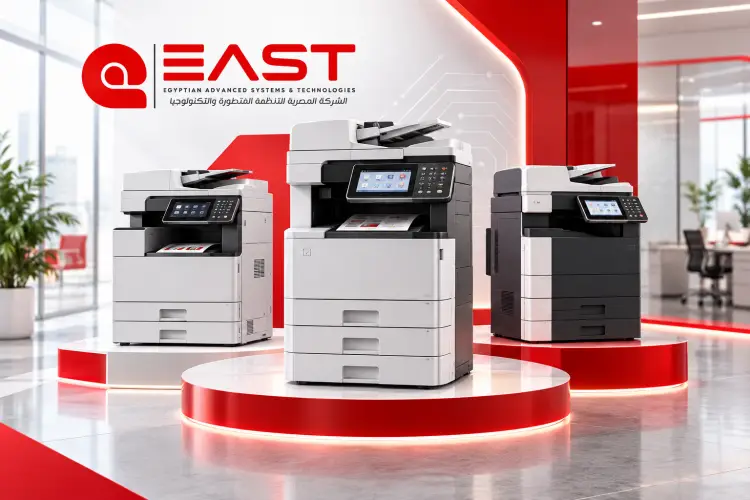
Organizations have varying needs when choosing a photocopier depending on their daily workload and the nature of the documents required. Therefore, the right choice depends on printing speed, ability to handle heavy workloads, and operating and maintenance costs. Below is a selection of models and categories suggested for 2026 to help you determine the most suitable machine for your company's needs.
1. The best photocopier for heavy-duty tasks and large companies (Kyocera TASKalfa 5500i / Ricoh MP 5055)
This category is suitable for institutions that need high printing rates and stable performance, while paying attention to operating costs and the availability of maintenance supplies. Here is a table of basic specifications for the best document copier:
|
Specifications |
Standard |
|
It varies depending on the model. |
Print speed (PPM) |
|
Determined according to manufacturer's specifications |
Monthly Duty Cycle |
|
It varies depending on the model. |
Print resolution |
|
It depends on the equipment and accessories. |
Paper capacity |
|
Varies by model |
Time to print the first page |
Features and considerations
-
Withstands work pressure: Choosing a machine designed for high-volume printing helps meet the needs of organizations with intensive use.
-
Proper operating cost: Ink productivity and consumable costs should be compared to determine the cost per page.
-
Scanning capabilities: The scanning and automatic document feeding features contribute to speeding up the completion of office work.
-
Size and initial cost: This category needs adequate space and may require a larger initial investment compared to small office machines.
You can visit the East Automation website to learn more Best Photocopying Machines Available and request a price quote that suits your organization's needs, along with inquiries about warranty and after-sales services.
2. Best photocopier for small offices (Compact Copiers)
Compact machines, such as some models of the Ricoh MP 301 and Kyocera ECOSYS M3645, are a suitable option for small offices, startups, and clinics that need a practical device that combines several functions without taking up too much space.
Key features:
-
Space saving: Compact design suitable for space-constrained work environments.
-
Multifunctionality: Printing, copying and scanning capabilities, with fax support in models equipped with it.
-
Ease of use: Practical operating interfaces help employees accomplish daily tasks with ease.
-
Operating efficiency: Energy consumption rates and consumable costs vary depending on the best document copier model and usage conditions.
-
Tip for choosing: If your office printing volume is limited, make sure to choose a machine whose monthly capacity matches your actual needs, comparing printing speed, page cost, and spare parts availability before purchasing.
3. The best color copier for print accuracy and operational efficiency
Engineering offices, advertising agencies, and marketing departments need color copiers that provide suitable print quality for documents, presentations, and marketing materials. Some models from the Ricoh MPC and Kyocera TASKalfa color series can be considered depending on the application requirements.
Key specifications to consider:
-
Color printing quality: Check the actual printing accuracy and the device's ability to produce clear text, graphics, and images.
-
Ink cost: Compare ink cartridge productivity and consumable costs to estimate the cost of color and economical printing.
-
Support for different types of paper: Make sure the machine is compatible with the paper sizes, weights and types required in your business.
-
Color management: Choose a device that provides settings appropriate to the nature of the documents and designs that your company prints.
Ultimately, choosing the best photocopier depends on your monthly print volume, required functions, and available budget. Comparing the actual specifications, operating costs, and maintenance services at East can help you.
Quick comparison: Ricoh or Kyocera?
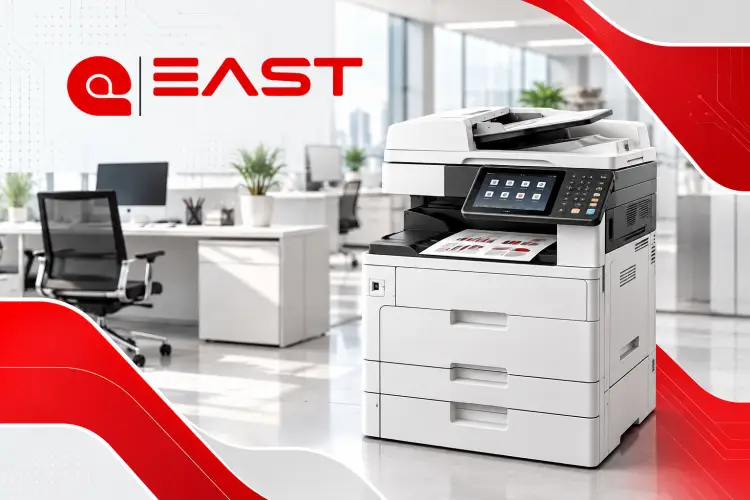
Ricoh and Kyocera are both well-known brands in the field of office copiers and printers. While both offer diverse business solutions, differences in device design, operating and maintenance costs, and available features mean that choosing the right brand depends on your company's specific needs and usage patterns.
Comparison between Ricoh and Kyocera photocopiers
|
Comparison criterion |
Ricoh |
Kyocera |
|
Ease of use |
Practical user interfaces, and touchscreens are available in many models. |
Operating interfaces vary depending on the category and model. |
|
Spare parts and inks |
Availability depends on the model and the local market. |
Availability depends on the model and the local market. |
|
Color printing quality |
Custom models are available for color printing and image processing. |
Colored models are available to suit different business needs. |
|
work pressure |
There are models designed for high print speeds. |
There are models designed for high print speeds. |
|
Cost per page |
It varies depending on the ink, consumption rate, and model. |
It varies depending on the ink, consumption rate, and model. |
|
Maintenance |
It is affected by the availability of technicians and spare parts. |
It is affected by the availability of technicians and spare parts. |
-
Ricoh photocopiers: Ease of use and variety of options
-
Ricoh offers a diverse range of top-quality document copiers that meet the needs of small offices and large companies, with multiple options that vary in speed, capabilities and functions to suit the nature of the work.
-
Ease of operation: Many models offer touch screens and user interfaces that help perform printing, photocopying and scanning tasks with ease.
-
Versatility of uses: Available options include black and white printing machines and color printing machines, to suit the needs of businesses and creative offices.
-
Maintenance and availability of consumables: It is advisable to check the availability of ink cartridges, spare parts, and maintenance services for the desired model in the local market before purchasing.
-
-
Kyocera photocopiers: Focus on durability and operational efficiency
-
Kyocera offers the best document copiers designed to meet the needs of intensive office use, with a focus on component lifespan and consumable efficiency across a number of its product lines.
-
Drum technology: Some Kyocera models use durable imaging components, including ceramic drum technologies, to help extend operating life and reduce the need to replace certain parts.
-
Operating cost: Some models can offer a reasonable cost per page, but determining the economical option requires comparing ink prices, productivity, and maintenance costs.
-
High printing rates: Kyocera includes models designed for businesses that need to produce large quantities of documents on a regular basis.
-
The final decision to buy the best photocopier depends on monthly print volume, document types, budget, and the availability of maintenance services and spare parts. Therefore, it's best to compare specific models rather than relying solely on the brand name.
To find out the best Photocopiers and Printers For the right fit for your company, you can visit the East Automation website and inquire about available models, prices, operating costs, and after-sales services to help you make a purchase decision that suits your organization's needs.
Frequently Asked Questions (FAQs)
What is the cheapest high-quality document copier?
The Ricoh MP 301 is an economical option for small offices and startups, while the Kyocera ECOSYS M3645 offers higher print speeds to suit intensive workloads, with prices and operating costs needing to be compared to determine what's right for your budget.
Is it better to buy an imported (used) machine or a new one?
-
Importing from abroad: Lower price and the possibility of obtaining a machine with higher specifications, provided that its condition is checked and guaranteed.
-
New: Agent's warranty and new condition, but at a potentially higher purchase cost.
Tip: Before buying a photocopier, compare the price of the machine with its operating costs, condition, and warranty. You can contact East Automation to learn about the available options.