


Brother Printer Maintenance | Fix Common Issues Fast 2026
Are you seeking to maintain the highest possible performance for your printer while ensuring its long-term sustainability? The Authorized Brother printer maintenance center in Egypt by East Automation is your ideal choice for restoring your equipment's efficiency to its full capacity. We fully understand the vital role Brother printers play in your business workflow; therefore, we provide professional maintenance services that combine speed, precision, and quality assurance.
Whether you are facing ink issues, paper feed failures, or need software updates, our team of certified engineers at East Automation is ready to handle all faults immediately using original spare parts. This ensures an extended printer lifespan and reduces the chances of recurring breakdowns. Protect your investment by dealing with a reliable entity that provides high-quality service at competitive prices, covering all parts of the Republic. This is why the Brother printer maintenance cost at East Automation is considered the best value for money in the market.
Why Choose East Automation for Your Brother Printer Maintenance?
At East Automation, we don’t just fix faults; we offer an integrated technical partnership to ensure your business continuity at peak efficiency. We are regarded as the top center for Brother printer maintenance in Egypt due to the real advantages we provide:
-
100% Original Spare Parts: We insist on using original components certified by Brother to ensure ideal print quality and preserve the printer’s lifespan, away from the risks of unreliable alternatives.
-
Complete Service Flexibility: Whether you prefer maintenance at our headquarters—equipped with the latest technology—or requesting a technical visit to your workplace, we provide the most suitable solution to save your time and ensure your comfort.
-
Fast Response and Immediate Support: Because we understand the value of time in a business environment, we are committed to dealing with faults quickly and providing effective technical support that minimizes downtime.
-
Professional Engineering Team: Our team includes an elite group of certified engineers specialized in Brother technologies, capable of accurately diagnosing faults and treating them efficiently from the first time. Following a professional Brother printer maintenance checklist is standard practice for our team.
learn more about : brother printer agent in egypt
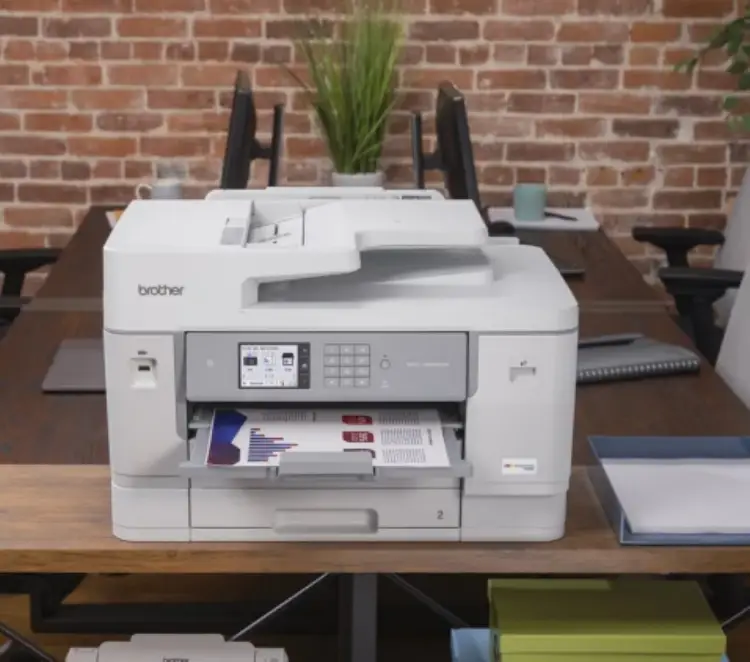
Most Common Brother Printer Faults and How We Handle Them
Printers may face technical faults that affect workflow. Here are the most prominent issues and how East Automation, the best Brother printer maintenance center, handles them professionally:
1. "Replace Toner" Message Despite Having Ink
This is a common issue often caused by not resetting the toner counter or a defect in the electronic chip.
-
The Solution: During our Brother printer maintenance routine, we reset the counters, adjust internal settings, and update the firmware to ensure an accurate reading of the ink level.
2. Frequent Paper Jam
This occurs due to dust accumulation on the pickup rollers or using non-compliant paper.
-
The Solution: We clean or replace the pickup rollers with original parts and inspect the entire paper path.
3. Lines or Spots on Prints
Usually caused by wear in the Drum Unit or dirt on internal components like the Corona wire.
-
The Solution: We perform a precise cleaning of the Drum Unit. If there are scratches, it is replaced immediately to restore perfect print quality. Contact us for professional Brother printer maintenance.
4. Network Connection Problems (Wi-Fi / Network)
Connection drops can stop work entirely.
-
The Solution: Our team resets network settings and installs the appropriate drivers compatible with your operating system.
Expert Note: Attempting to fix complex faults without sufficient experience may damage sensitive internal components. Relying on specialized technicians at East Automation ensures a safe solution and saves you higher costs in the future.
Troubleshooting Paper Feed Issues (Paper Jam)
A paper feed failure is a common breakdown that requires Brother printer maintenance. It doesn't always mean a physical paper jam; it could indicate a mechanical or technical defect. At East Automation, we diagnose the root cause:
-
Worn or Dirty Pickup Rollers: With continuous use, rollers lose efficiency due to dust. We clean or replace them with original parts.
-
Sensor Malfunction: Dust or small paper scraps can send false jam signals. Our team cleans and resets sensors during Brother printer maintenance.
-
Gear or Internal Motor Issues: Our engineers have the expertise to repair complex mechanical parts efficiently.
-
Using Inappropriate Paper: We provide precise guidance on choosing paper types compatible with Brother printers for stable performance.
Pro Tip: Avoid pulling jammed paper against its natural direction to prevent breaking internal components. Call us now for expert Brother printer maintenance.
learn more about : laser printer price
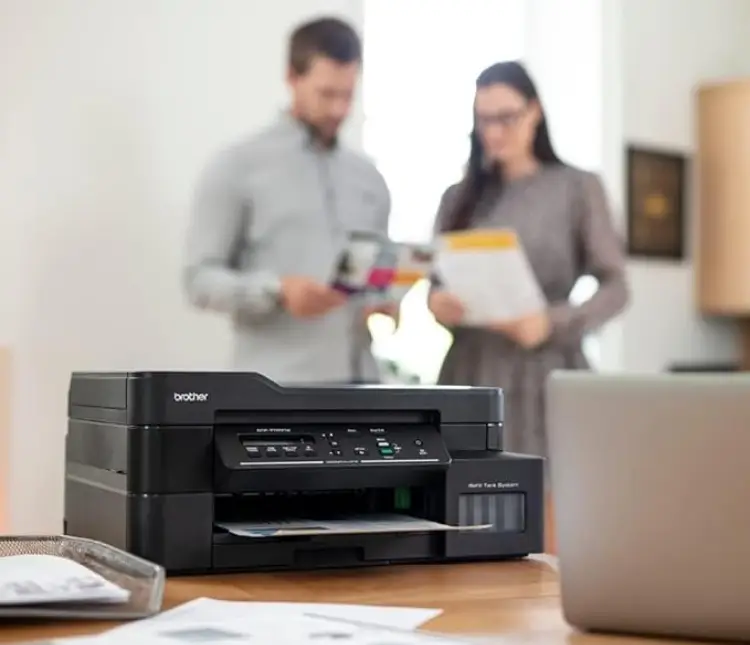
Faded Print Quality or Appearance of Lines
When you notice faded text or black/white lines, the cause is usually a defect in the printing system. East Automation provides immediate solutions:
-
Drum Unit Wear: We inspect the Drum Unit responsible for transferring ink.
-
Dirty Corona Wire: We clean the wire to remove undesired longitudinal lines.
-
Low Toner: We provide high-quality original toner replacements.
-
Dirty Laser Unit: We clean laser lenses to ensure image accuracy.
For users of specific models, knowing How to clean Brother Printer T420W properly is essential. Our team can guide you through the process or perform a professional Brother printer maintenance mode deep clean to clear stubborn clogs that standard cleaning cycles can't reach.
Network and Wi-Fi Issues
If the printer appears "Offline," East Automation tackles the issue through:
-
Driver Issues: Installing the latest compatible drivers.
-
IP Address Conflicts: Setting a Static IP for a permanent connection.
-
Network Card Faults: Inspecting and replacing internal Wi-Fi cards with original parts.
-
Brother iPrint&Scan Support: Configuring mobile and cloud printing settings correctly.
We don’t just provide Brother printer maintenance for hardware; we secure your network settings to prevent data interference.
Your Guide to Common Brother Printer Error Codes
|
Error Code |
What it Means? |
Required Action |
East Automation's Role |
|
Replace Toner |
Out of toner or cartridge not recognized |
Check cartridge installation |
Provide original ink and reset counters |
|
Drum End Soon |
Drum Unit nearing end of life |
Continue temporarily; expect quality drop |
Replace with original Drum Unit |
|
Error E1 / E50 |
Fuser Unit malfunction |
Turn off and unplug immediately |
Repair/Replace Fuser Unit and circuits |
|
Error 71 / 72 |
Main motor or Laser Unit issue |
Check for paper jams |
Comprehensive motor and laser maintenance |
|
No Paper |
Printer doesn't detect paper |
Adjust paper tray guides |
Clean/Replace Pickup Rollers |
|
Document Jam |
Jam in the ADF unit |
Gently remove paper |
Maintenance of the ADF suction unit |
learn more about : brother printer spare parts
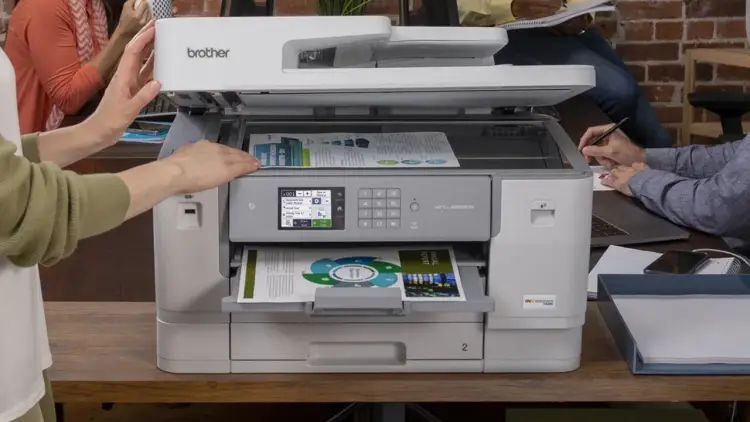
Brother Printer Maintenance Services We Provide
At East Automation, we offer integrated solutions covering all Brother printer technologies:
-
Laser Printers Maintenance: Specialized services including Fuser Unit repair, Laser Unit calibration, and mechanical component replacement.
-
Ink Tank Printers Maintenance: Precise solutions for color printers, including Brother printer maintenance mode deep clean for print heads, ink flow adjustment, and Ink Pad replacement with counter resets.
-
Annual Maintenance Contracts (AMC) for Companies: We help organizations adopt "Preventive Brother printer maintenance" through scheduled visits, priority response, and discounts on parts.
Golden Tips to Extend Your Printer's Life from East Automation Experts
Maintaining your printer doesn’t require massive effort, just simple steps:
-
Always use original ink: Fake inks clog print heads and damage the Drum Unit.
-
Choose a suitable environment: Keep the printer in a well-ventilated area away from direct sunlight.
-
Clean the printer periodically: Use a soft cloth for the exterior, and leave deep internal cleaning to a specialist. Contact us for the best Brother printer maintenance.
-
Don't leave the printer unused: For Ink Tank models, print a test page weekly to prevent ink from drying.
-
Handle paper jams with care: Pull paper gently in the direction of the path.
-
Turn off the printer correctly: Always use the power button before unplugging to allow the print head to return to its "Capping" position.
Following a consistent Brother printer maintenance checklist and these expert tips will significantly reduce mechanical failures.
How to Book a Maintenance Appointment?
At East Automation, we make the process easy:
-
Contact us directly: Call our customer service with your printer model and the problem.
-
Diagnosis and Booking: Our team performs an initial diagnosis and schedules a visit or branch reception.
-
Execution and Warranty: We repair using original parts and provide a warranty on the service.
Restore your printer’s efficiency in record time with East Automation experts. Get certified Brother printer maintenance with original spare parts and a real warranty.
Maintenance Phone: +202 24015980